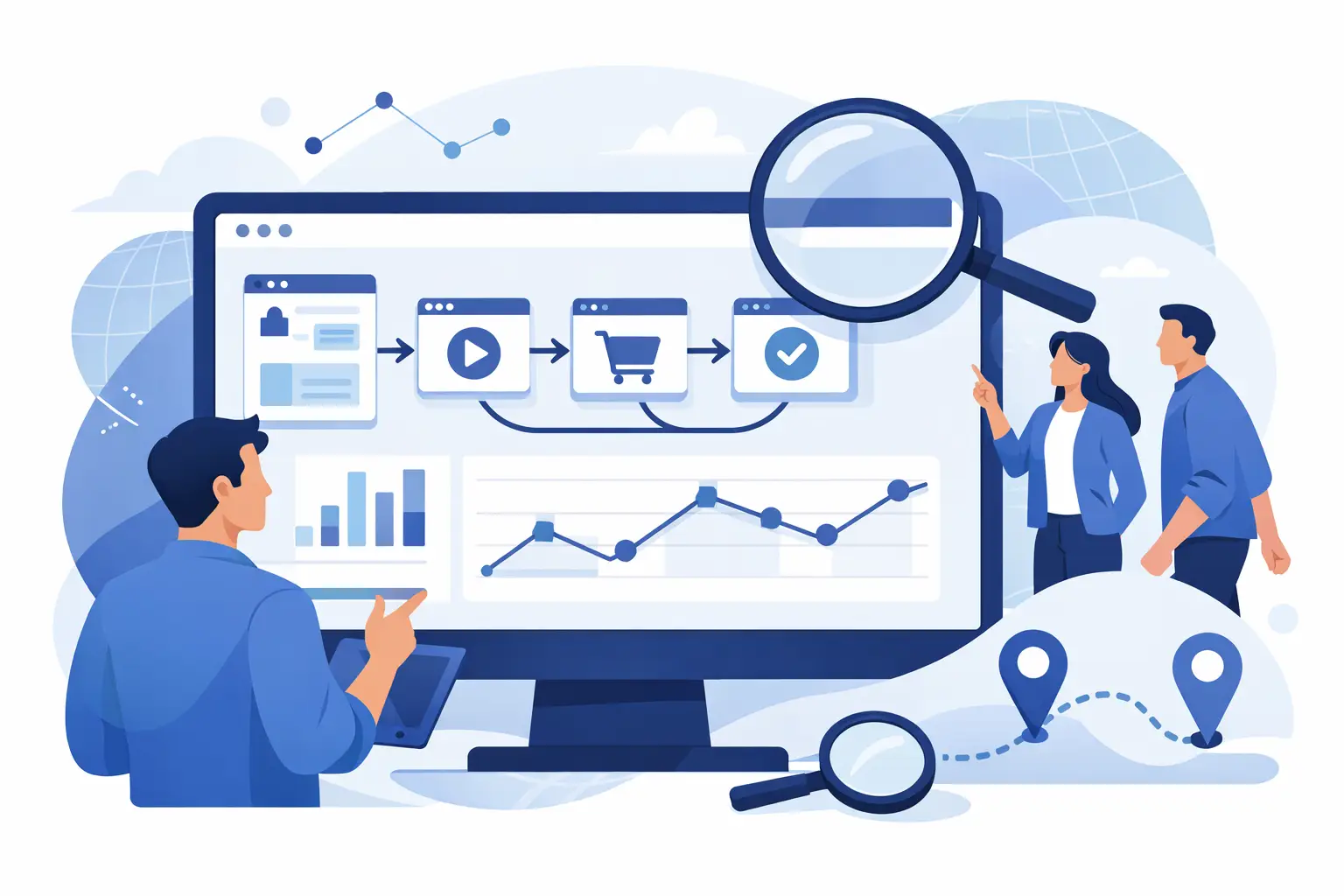
Learn how to monitor visitor paths with privacy-first analytics so you can spot drop-offs, improve pages, and guide more users to convert.
Most websites do not have a traffic problem. They have a visibility problem. Visitors arrive, click around, hesitate, and leave - and without a clear view of that path, teams end up guessing what went wrong. If you want to know how to monitor visitor paths, the goal is simple: see how people actually move through your site so you can remove friction and improve conversions.
Visitor path monitoring is not just about counting pageviews. It is about understanding sequence, intent, and drop-off. Which page brought someone in? What did they look at next? Where did they stop? Did they click an outbound link, open a form, revisit pricing, or abandon the process halfway through? Those details tell you far more than a traffic chart ever will.
What visitor paths actually show
A visitor path is the route a user takes across your site during a session or over time. That can include landing pages, internal page transitions, button clicks, form interactions, outbound clicks, and conversion events. When monitored well, these paths reveal the difference between a page that gets attention and a page that moves people forward.
This matters because user behavior is rarely linear. A visitor might land on a blog post, move to a feature page, check pricing, leave, return later from a direct visit, and only then submit a demo request. If you only look at isolated reports, that journey gets fragmented. If you monitor the full path, you can see the progression.
That progression helps answer practical questions. Are visitors finding your most important pages? Are they looping between pages because the next step is unclear? Are mobile users following a different route than desktop users? Are high-intent visitors consistently pausing before one specific form field or CTA?
How to monitor visitor paths without creating noise
The fastest way to make path analysis useless is to track everything without structure. Good monitoring starts with a small set of meaningful touchpoints. You need page-level movement, but you also need event-level context.
Start by defining the pages and actions that matter most to your business. For many teams, that includes landing pages, pricing, product or service pages, contact forms, checkout steps, sign-up flows, and key outbound clicks. These are the places where intent becomes measurable.
From there, monitor behavior at three levels. First, track entry and exit points so you know where journeys begin and where they break. Second, track transitions between key pages so you can see common routes. Third, track actions inside those pages, such as button clicks, scroll depth, form submissions, and external link clicks. That gives you the path and the behavior inside the path.
A privacy-first setup matters here. You do not need invasive tracking to understand movement. In fact, anonymized analytics often create a cleaner operating model because your team can focus on behavior patterns instead of collecting unnecessary personal data. For businesses balancing insight with compliance, that is a better long-term approach.
How to monitor visitor paths with the right data
Not every analytics report is useful for path monitoring. Aggregate traffic reports tell you volume. They do not tell you what happened between arrival and exit. To understand navigation, you need tools and reports that show order, timing, and interaction.
A practical setup usually includes visitor history, event tracking, real-time monitoring, session replay, and heatmaps. Each one answers a different question.
Visitor history helps you see the sequence of pages and actions connected to one anonymized visitor. That is the foundation of path analysis. Real-time monitoring shows what is happening now, which is useful when validating campaign traffic, testing new pages, or spotting live friction. Session replay adds visual context, letting you watch how users move, scroll, pause, or abandon. Heatmaps help you confirm whether attention is going to the parts of the page you expected.
There is a trade-off, though. Session replay and heatmaps add depth, but they should not replace your core reporting. If you rely on recordings alone, you can end up reacting to individual sessions instead of patterns. If you rely only on aggregate reports, you miss the reasons behind the pattern. The best path monitoring combines both.
What to look for in visitor paths
Once tracking is in place, the next step is interpretation. A path report becomes useful when you know what kinds of behavior deserve attention.
Look first at the most common entry paths. If users land on a high-traffic page but rarely move to a commercial page, the issue may not be traffic quality. It may be weak internal linking, unclear messaging, or a missing CTA. If visitors do move forward but stall at pricing or forms, the problem is likely lower in the funnel.
Look next at repeated back-and-forth movement. When users bounce between two pages, that usually signals uncertainty. They may be comparing options, trying to verify details, or failing to find a clear next step. A strong path analysis highlights these loops quickly.
Drop-offs are another major signal, but context matters. A high exit rate on a support article may be fine if the page solved the problem. A high exit rate on a sign-up page is different. This is where goals tracking matters. You need to judge paths against outcomes, not just against exits.
Time between actions also matters. A fast move from landing page to contact form can indicate strong intent. A long pause before checkout may point to hesitation, confusion, or distraction. Path monitoring gets more useful when you look at pace, not just sequence.
Turn path data into page improvements
The real value of learning how to monitor visitor paths is not reporting. It is action. Once you can see where people go and where they stop, you can start improving the journey.
If visitors land on informational content and never reach sales pages, strengthen the bridge. Add clearer next steps, improve page hierarchy, and place relevant calls to action where intent is highest. If users reach a service page but do not continue, simplify the page, sharpen the value proposition, or reduce the number of choices.
If forms are causing abandonment, check the basics first. Too many fields, poor mobile layout, and vague labels still break conversions every day. If session replay shows users clicking non-clickable elements, your design is sending mixed signals. If heatmaps show attention clustering around secondary content instead of the main CTA, the page may need stronger visual direction.
This is where an all-in-one analytics setup helps. When path data, click data, replays, heatmaps, and conversion tracking live in one place, it is easier to move from observation to change. Traffnalytics is built for that kind of workflow, especially for teams that want practical visibility without adding privacy risk or tool sprawl.
Common mistakes when monitoring visitor paths
One common mistake is treating every path as equally valuable. Not all visitors have the same intent. Someone arriving on a blog post from search behaves differently from someone clicking a pricing ad. Segmenting by source, device, campaign, or landing page gives your path analysis much more meaning.
Another mistake is tracking pages but not outcomes. If you cannot connect paths to conversions, you will spend too much time optimizing movement that does not matter. The route only becomes useful when it is tied to a business goal.
The third mistake is overcomplicating setup. Many teams delay behavioral analytics because they assume it requires a heavy implementation. In practice, the best systems make it easy to start with core tracking, then add custom parameters and events as your questions become more specific.
Finally, do not confuse more data with more clarity. If your reports are full of low-value events, your team will stop trusting them. Keep the setup focused, privacy-conscious, and tied to real decisions.
A practical standard for path monitoring
If you want a simple benchmark, your setup should let you answer five questions quickly. Where did the visitor come from? What pages did they view, and in what order? What did they click or submit? Where did they leave? Did they convert?
If you can answer those five questions with confidence, you are no longer guessing. You are managing the experience with evidence.
That is the shift that matters most. Monitoring visitor paths is not about watching users for the sake of it. It is about owning your analytics, seeing friction early, and making smarter changes with less effort. When your analytics stay clear, compliant, and easy to use, better decisions come faster.