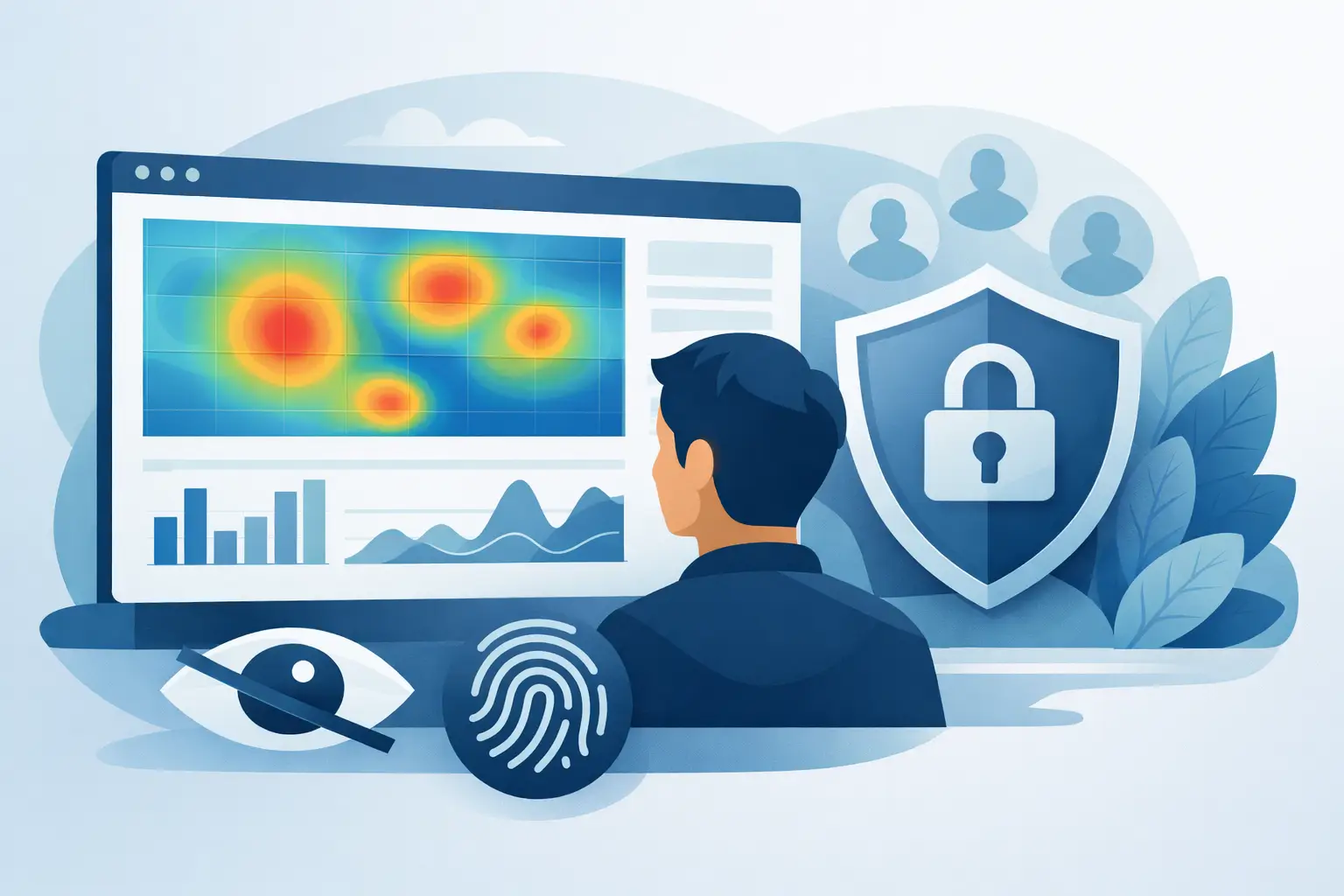
Privacy friendly heatmaps show where users click, scroll, and drop off - without exposing personal data or creating extra compliance risk.
A heatmap should answer a simple question fast: what are people doing on this page, and what should we fix next? Too often, that answer comes with baggage. Traditional behavior tools can collect more than teams actually need, which creates friction for privacy reviews, legal checks, and customer trust. Privacy friendly heatmaps solve that problem by giving you usable behavior insight without turning your site into a surveillance project.
For small and mid-sized teams, that difference matters. You do not need a complex stack to see where users click, how far they scroll, or which sections get ignored. You need clear visibility, a setup that does not slow your team down, and confidence that your analytics approach is aligned with modern privacy expectations.
What privacy friendly heatmaps actually mean
A privacy friendly heatmap tracks interaction patterns on a page while minimizing or removing personal data exposure. The goal is not to collect everything possible. The goal is to collect what is useful for improving pages, funnels, and conversions, while avoiding unnecessary risk.
That usually means a few things in practice. IP addresses are anonymized or not stored in a personally identifying way. Private fields and sensitive on-page details are masked automatically. Visitor activity is aggregated into patterns rather than tied to an identifiable person. And the tool is built with compliance in mind, not as an afterthought.
This is where many teams get tripped up. They assume privacy friendly means weak or limited. It does not. It means more disciplined data collection. You still see where users click, where attention drops, and how far visitors scroll. You just do it without capturing details your team never needed in the first place.
Why privacy friendly heatmaps matter now
Behavior analytics used to be judged mostly on depth. More recordings, more fields, more data points. That model is harder to defend now. Customers are more aware of tracking. Regulators expect restraint, transparency, and purpose. Internal teams are also asking tougher questions about what tools are collecting behind the scenes.
Privacy friendly heatmaps help reduce that tension. Marketing teams still get page-level insight. Product and UX teams still get evidence for design changes. Founders still get a clear picture of friction before it hurts revenue. But the company is not forced into a trade-off between learning and over-collecting.
That trade-off is real. If your heatmap tool records too much, every new page, form, and experiment can become a compliance review. If it records too little, the data becomes decorative instead of useful. The right middle ground is a tool that captures behavior signals clearly, hides private details by default, and keeps implementation simple enough that teams actually use it.
What you should expect from privacy friendly heatmaps
Not every tool that claims to be privacy safe earns that label. Some platforms use privacy language loosely while still collecting more visitor-level data than many teams are comfortable with. If you are evaluating options, look at how the product behaves, not just how the homepage describes it.
Data minimization should be built in
The first test is restraint. Does the tool collect only what is needed to show click patterns, scroll depth, and page interaction? Or does it quietly gather a wider set of user-level details that have little to do with page optimization?
A strong privacy-first setup limits exposure from the start. That can include anonymized visitor data, masked sensitive content, and settings that avoid storing personally identifiable information unnecessarily. If privacy protection depends on manual workarounds, the setup is fragile.
Useful insight should still be easy to read
Heatmaps only help if your team can act on them. You should be able to open a page and quickly see where attention clusters, where visitors stop scrolling, and where important calls to action are being missed.
This is especially important for smaller teams. If the interface is cluttered or the reports take too much interpretation, the tool becomes one more dashboard nobody checks. Good privacy friendly heatmaps keep the value obvious. They show where behavior supports your goals and where it does not.
Compliance should feel manageable, not overwhelming
A privacy-conscious analytics stack should reduce operational stress. That means a platform designed around GDPR, CCPA, and PECR alignment, with safeguards that support your compliance process instead of complicating it.
No software can remove every legal responsibility. Your site setup, consent choices, and data practices still matter. But a tool that anonymizes tracking and hides private details automatically can make the difference between a manageable analytics workflow and a constant review cycle.
Where privacy friendly heatmaps help most
The best use cases are practical, not theoretical. A landing page gets traffic but underperforms. A pricing page looks polished but does not convert. A long-form article attracts readers, yet nobody reaches the signup form. In each case, a heatmap helps you see what standard traffic reports miss.
Click maps show whether users are interacting with the elements you expect. Sometimes the strongest click activity appears on non-clickable design elements, which is a clear signal that the page is creating false expectations. Scroll maps reveal whether critical content is buried too far down the page. Movement patterns can highlight sections that hold attention and sections people skip.
These insights are valuable because they are visual and immediate. Instead of arguing about whether users noticed a testimonial block or a CTA placement, your team can look at the interaction pattern and decide what to test next.
Privacy friendly heatmaps are particularly useful for teams that want one source of truth across behavior analytics. When heatmaps sit alongside website analytics, session replay, outbound click tracking, and goals, you move from isolated observations to clearer decision-making. You see not just that a page is underperforming, but where the friction appears and how it affects conversion behavior.
The limits of heatmaps
Heatmaps are powerful, but they are not magic. They show patterns, not intent. A heavy concentration of clicks can signal interest, confusion, or both. A low-scroll page might reflect weak content, or it might mean visitors found what they needed immediately.
That is why context matters. Heatmaps work best when paired with page metrics, conversion tracking, and session-level review. If a CTA gets a lot of clicks but conversions stay flat, the issue may live on the next step of the journey. If visitors drop off before reaching key content, the problem may be load speed, layout hierarchy, or message mismatch.
This is also where privacy-first design helps again. A well-structured platform gives you enough context to understand behavior without pushing your team toward invasive tracking. You stay focused on improving the experience, not accumulating unnecessary detail.
Choosing the right tool for your team
For most businesses, the best heatmap solution is not the one with the most features on paper. It is the one your team can trust and use consistently. That means fast setup, clear reporting, sensible privacy controls, and enough depth to support real decisions.
If you are comparing tools, ask straightforward questions. Does it anonymize visitor data? Does it hide private details automatically? Can non-technical users understand the reports without training? Can developers extend the setup when needed? Does the product help consolidate behavior analytics instead of forcing you into multiple disconnected tools?
Those questions matter because website teams rarely have time for analytics sprawl. They need answers quickly. A privacy-focused platform such as Traffnalytics fits that need when it combines heatmaps with session replay, website analytics, goals, exports, and developer-friendly options in one place. That kind of setup gives teams more control with less overhead.
Privacy friendly heatmaps are a better standard
The old assumption was that useful behavior insight required aggressive tracking. That assumption no longer holds up. You can understand how visitors move through your site, where they click, and where they lose momentum without collecting more than you need.
That is the real value of privacy friendly heatmaps. They keep analytics practical. They help teams improve pages faster. And they support a healthier relationship between performance, compliance, and trust.
If your current setup makes you choose between visibility and privacy, it is probably time to raise the standard. The best analytics tools should help you see clearly, act quickly, and stay in control of your data from the start.