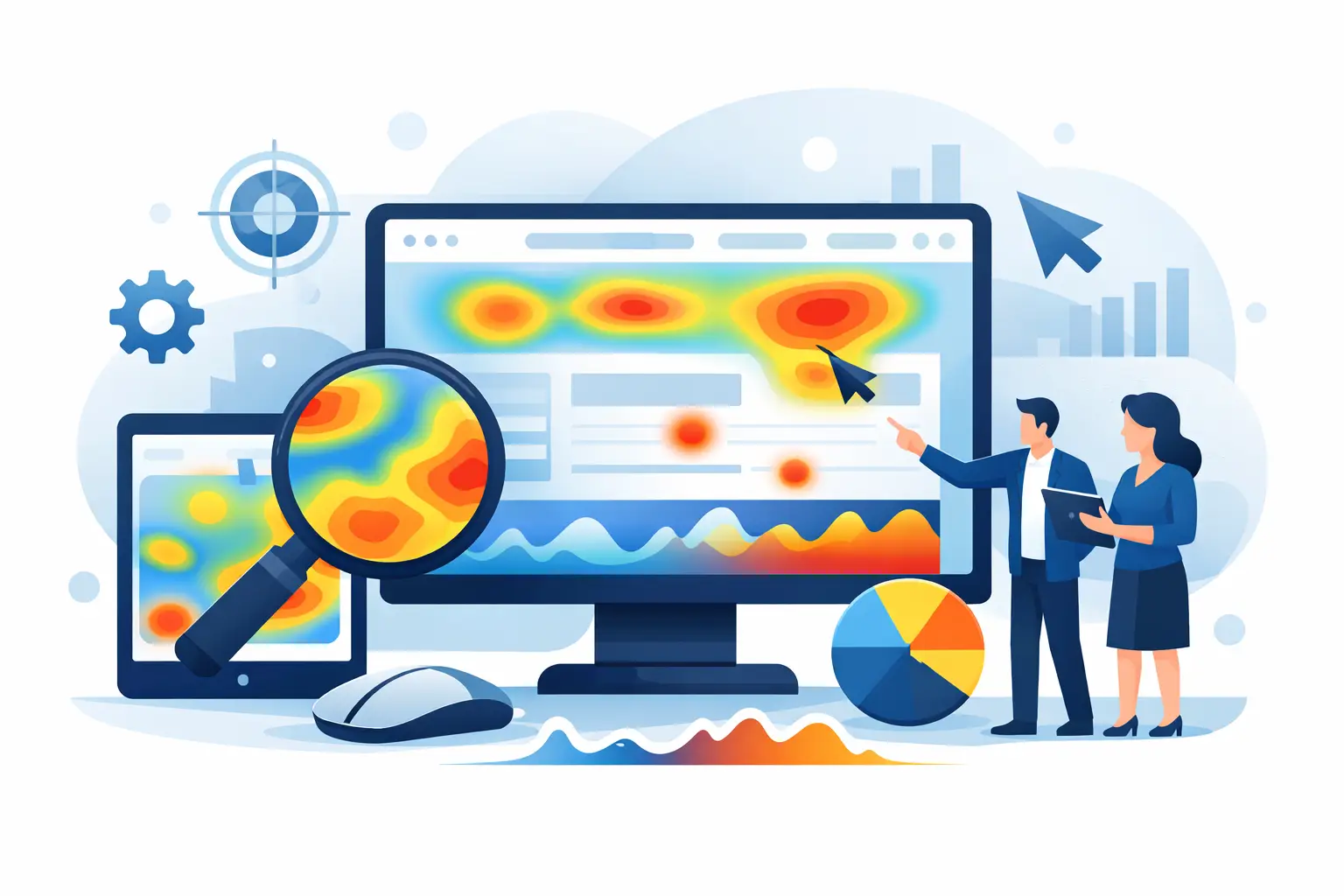
Compare the best website heatmap tools for privacy, usability, replays, and conversion insight so you can choose the right fit faster.
A heatmap should answer a simple question fast: what are visitors actually doing on this page? If your tool turns that into a maze of settings, sampling limits, and privacy concerns, it is not helping. The best website heatmap tools make behavior visible quickly, connect that behavior to conversions, and do it without creating more operational risk.
That is the real buying decision for most teams. You are not just choosing a colorful click overlay. You are choosing how easily your team can spot friction, how confidently you can act on user behavior, and how much complexity you are willing to manage to get there.
What the best website heatmap tools should actually do
Most teams need more than one view. Click maps are useful, but they only tell part of the story. Good heatmap software should also show scroll depth, movement patterns, and page-level behavior in a way that is easy to interpret.
The stronger platforms go further. They pair heatmaps with session replay, conversion tracking, and visitor-level context, so you can move from “users are ignoring this section” to “here is where they got stuck, left, or converted.” That matters because heatmaps are strongest when they help explain outcomes, not just activity.
Privacy is the other filter that gets overlooked until legal or operations gets involved. If you serve users in regulated markets, or you simply want tighter control over customer data, a heatmap tool that supports anonymization and automatic masking can save a lot of cleanup later.
9 best website heatmap tools to consider
1. Traffnalytics
Traffnalytics is a strong fit for teams that want heatmaps as part of a practical, privacy-focused analytics stack instead of a separate behavioral add-on. You get heatmaps, session replay, visitor monitoring, goals, outbound click tracking, exports, and API access in one dashboard.
The advantage here is control. Instead of stitching together multiple tools, you can see where people click, how they move through pages, and which actions lead to conversion in the same environment. That reduces guesswork and speeds up analysis.
It is especially well suited to small and mid-sized businesses that want clear insight without enterprise overhead. The privacy-first approach is also meaningful if compliance is already part of your decision process, since anonymized tracking and hidden private details are built into the product model rather than treated like an afterthought.
2. Hotjar
Hotjar is one of the most recognized names in this category, and that familiarity is part of its appeal. It offers click, move, and scroll heatmaps alongside session recordings, feedback tools, and surveys.
For many marketing teams, Hotjar feels approachable. Setup is generally straightforward, and the interface is designed for non-technical users. If your main goal is basic behavioral insight and fast page review, it can do the job well.
The trade-off is that some teams outgrow it. Depending on your reporting needs, traffic volume, and desire for deeper analytics integration, you may start to feel the gap between behavior visuals and broader performance analysis.
3. Microsoft Clarity
Clarity stands out because it offers heatmaps and session recordings at no cost, which makes it attractive for startups, side projects, and lean teams. If budget is the main constraint, it is hard to ignore.
Its usability is solid, and the rage click and dead click signals can be genuinely useful for spotting frustration. For basic UX review, Clarity gives a lot of visibility with very little friction.
The limitation is depth. Free is great, but free tools often come with trade-offs around advanced segmentation, integrated reporting, workflow flexibility, or long-term analytics ownership. For some sites that is fine. For growing teams, it may only be a starting point.
4. Crazy Egg
Crazy Egg has been around for a long time and still earns attention for its straightforward heatmaps, scrollmaps, and click tracking. It also includes A/B testing features, which can be useful if you want to move from observation to experimentation without adding another platform.
Its interface is generally easy to navigate, and it works well for marketers focused on landing page optimization. If your team values simplicity over depth, Crazy Egg can feel refreshingly direct.
Where it may fall short is in broader behavioral context. Heatmaps are useful, but without stronger session-level analytics or integrated visitor journey insight, you may still need another tool to understand why patterns are happening.
5. FullStory
FullStory leans more enterprise and product-focused than some other options here. Its session replay and digital experience intelligence features are powerful, and its heatmap capabilities are part of a larger diagnostic toolkit.
If your site or app has complex flows, multiple teams, and high stakes around user friction, FullStory can uncover issues that lighter tools miss. Product, engineering, and UX teams often appreciate the depth.
The obvious trade-off is cost and complexity. This is not usually the first choice for a small business that just wants cleaner insight into clicks and scroll behavior. It is better suited to organizations that will actually use its advanced capabilities.
6. Mouseflow
Mouseflow combines heatmaps, session replay, funnel analysis, and form analytics in a way that works well for conversion-focused teams. It is particularly useful when form drop-off is part of the problem you are trying to solve.
The platform gives a balanced mix of usability and detail. It is not as lightweight as the simplest tools, but it also does more to connect behavior with friction points and abandonment.
That said, there is a learning curve. Teams that want instant clarity with minimal setup may need time to get comfortable with the wider feature set.
7. Lucky Orange
Lucky Orange is built for teams that want visible visitor behavior with a strong operations angle. Heatmaps, session recordings, live chat, and live visitor views make it feel active and immediate.
This can be helpful for ecommerce brands and service businesses that want to watch behavior in real time, not just review it later. The platform is practical and often easier to justify when customer interaction matters as much as page performance.
The question is whether you need all of it. If live chat and real-time monitoring are not part of your workflow, the platform may feel broader than necessary for a pure heatmap use case.
8. Smartlook
Smartlook is often considered by product teams and businesses that want heatmaps across both websites and mobile apps. That cross-platform view can be valuable if your customer journey does not stay on one device or one product surface.
Its event-based analysis and session replay features add useful depth. If you are diagnosing feature adoption or onboarding friction, not just page engagement, Smartlook can be a strong option.
For simpler marketing websites, though, some of that product-oriented depth may be more than you need. It depends on whether your use case is website optimization or broader digital product analytics.
9. VWO Insights
VWO Insights fits best when testing is already central to your optimization process. Heatmaps, session recordings, and form analysis are paired with experimentation capabilities, which creates a tighter loop between observed behavior and changes you want to validate.
That makes it attractive for mature conversion rate optimization teams. If you regularly run experiments, having behavior analysis and testing under the same umbrella can improve speed and consistency.
The downside is that it may be overbuilt for teams that are still trying to establish a basic analytics workflow. If you are not actively testing, you may end up paying for a system that exceeds your current needs.
How to choose the right website heatmap tool
The best website heatmap tools are not all trying to solve the same problem. Some are built for quick UX checks. Others are built for full behavioral analysis. A few are really testing platforms with heatmaps attached.
Start with your actual decision-making workflow. If you mainly want to improve landing pages and content layouts, a simple heatmap and replay tool may be enough. If you need to connect visitor behavior to goals, funnels, and reporting, look for an all-in-one analytics platform instead.
Then look at privacy, because this is where short-term convenience can create long-term friction. Ask how data is collected, whether personal details are masked automatically, and whether the tool fits your compliance posture. That is not just a legal concern. It is part of choosing software your team can use confidently.
Budget matters too, but price alone is not the best filter. A cheaper heatmap tool becomes expensive if it forces you to add separate products for replay, goal tracking, or exports. On the other hand, paying for enterprise depth you will never use is just as inefficient.
A smarter way to evaluate heatmap software
Do not choose based on screenshots alone. Run the tool on real pages, with real traffic, and ask a few direct questions. Can your team find useful patterns quickly? Can you connect those patterns to outcomes? Can you share findings without extra cleanup or explanation?
That is usually where the right choice becomes obvious. The tool should reduce time to insight, not add another layer of analysis work. Clear behavior data, practical reporting, and privacy you do not have to second-guess will take you much further than flashy visuals.
If your website is already getting traffic, you do not need more opinions about what users might do. You need a way to see what they are doing and act on it with confidence.