Session replay vs heatmaps: learn what each reveals, where each falls short, and how to use both for clearer, privacy-first website insights.
You launch a landing page, traffic looks healthy, and conversions still lag. The usual dashboard tells you what happened. It does not always tell you why. That is where session replay vs heatmaps becomes a practical decision, not just a feature comparison.
Both tools help you understand behavior beyond pageviews and bounce rates. But they answer different questions, and using the wrong one can leave your team guessing. If you want clear, privacy-conscious insight into how people move through your site, it helps to know when each tool earns its place.
Session replay vs heatmaps: the real difference
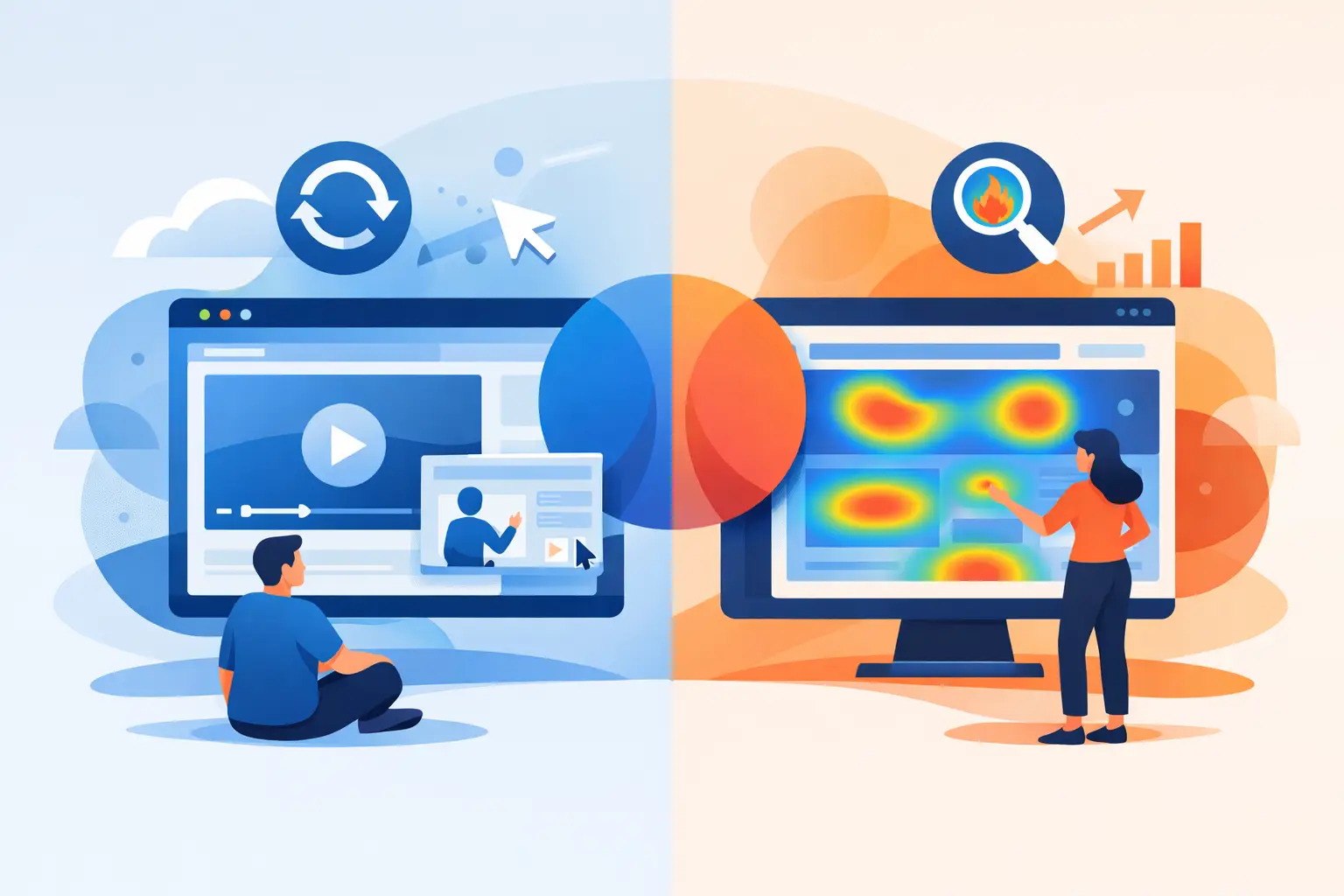
Heatmaps show patterns at scale. They aggregate behavior across many visits and turn it into a visual layer over a page. You can quickly spot where users click, how far they scroll, and which sections get attention or get ignored. That makes heatmaps excellent for identifying broad friction points.
Session replay shows individual journeys. Instead of a summary, you see a reconstructed visit that reveals where someone hesitated, moved their cursor, clicked, scrolled, or abandoned a step. That makes session replay useful when the question is not just where users struggle, but how that struggle unfolds in real time.
A simple way to think about it is this: heatmaps tell you where to look, and session replay helps you understand what actually happened there.
When heatmaps are the better choice
If you need a fast read on page-level performance, heatmaps usually get you there first. They are efficient, easy to scan, and helpful for teams that need to make design or content decisions without reviewing dozens of individual visits.
Say your pricing page gets traffic but underperforms. A click heatmap might show that visitors keep clicking non-clickable elements, which suggests confusion. A scroll heatmap might reveal that most users never reach the FAQ or trust section lower on the page. In a few minutes, you have direction.
This is where heatmaps shine. They are especially useful for landing pages, blog templates, product pages, and signup flows where layout decisions matter. They give marketers, designers, and founders a quick way to test assumptions about placement, messaging, and page structure.
There is a trade-off, though. Heatmaps compress many sessions into a single visual summary. That is powerful, but it can flatten context. You might see heavy clicking in one area without knowing whether users found what they needed or clicked out of frustration. Heatmaps are strong on patterns, weaker on intent.
When session replay gives you more value
Session replay becomes more useful when the problem is specific, messy, or hard to reproduce. If users are dropping off mid-checkout, abandoning a form, or failing to complete a goal despite healthy traffic, replay gives you a closer view.
Instead of looking at a blended pattern, you can watch how real sessions unfold. Maybe users rage-click a disabled button. Maybe a mobile menu covers the next step. Maybe a form validation message appears off-screen, so visitors do not know why submission failed. These are not always obvious in aggregate reporting.
Replay is also useful for understanding edge cases. Heatmaps can tell you that a section receives low engagement. Replay can show you whether visitors skipped it because the content was irrelevant, the layout was broken on one device, or the page loaded too slowly and they left.
The trade-off here is time. Reviewing session replays takes more effort than scanning a heatmap. Without filters or clear goals, teams can end up watching random visits and finding very little. Replay works best when you already know what kind of behavior you want to investigate.
Session replay vs heatmaps for conversion optimization
If your goal is conversion rate improvement, the smartest answer is rarely one or the other. It depends on the stage of the problem.
Heatmaps are usually the better starting point when you want to spot high-level friction. They can show whether calls to action are too low on the page, whether key content gets missed, or whether visitors focus on the wrong elements. That gives you hypotheses fast.
Session replay is better for validating those hypotheses. Once you know a section is underperforming, you can review replays from users who dropped off or failed to convert. That helps you separate design issues from technical issues and content issues from usability issues.
For example, if a heatmap shows low interaction with your signup button, replay might reveal two very different realities. In one case, users never scroll far enough to see it. In another, they do see it but hesitate because the surrounding copy creates uncertainty. Those require different fixes.
That is why mature behavioral analysis often starts broad and then gets specific. First find the pattern, then inspect the journey behind it.
Privacy changes how you should use both
Behavioral analytics should not come at the cost of trust. That matters even more when you are using tools that capture page interaction in detail.
With heatmaps, privacy risk is generally lower because the output is aggregated. But the way data is collected still matters. You want a setup that avoids unnecessary personal data and keeps tracking aligned with GDPR, CCPA, and PECR requirements.
With session replay, privacy expectations are higher because the data is more granular. The right platform should anonymize visitors, hide private details automatically, and give you control over what gets captured. Without those protections, replay can feel invasive fast.
This is where many teams hesitate, and fairly so. The answer is not to avoid behavioral analytics altogether. It is to use tools designed around privacy from the start, so you can study user behavior without collecting more than you need.
For businesses that want both visibility and compliance, this is not a nice extra. It is part of the buying decision.
How to choose based on your team and workflow
The right tool also depends on who is using it.
Marketing teams often get immediate value from heatmaps because they support fast page analysis and campaign optimization. You do not need a deep technical workflow to see whether a landing page is doing its job.
Product teams, UX specialists, and developers may lean harder on session replay when debugging journeys or validating usability issues. Replay provides the kind of evidence that helps explain a bug report, a drop-off point, or an unexpected behavior on a specific browser or device.
Small teams usually benefit most from having both in one place. That reduces context switching and keeps reporting cleaner. Instead of stitching together multiple tools, you can move from traffic trends to page behavior to individual sessions inside a single workflow. That is simpler to manage and easier to act on.
Traffnalytics is built around that idea - easy and friendly analytics, with behavior insight that stays practical and privacy-conscious.
Common mistakes when comparing session replay and heatmaps
The biggest mistake is treating them as interchangeable. They are not. If you expect a heatmap to explain every conversion issue, you will miss nuance. If you expect session replay to replace pattern analysis, you will burn time.
Another common mistake is collecting behavior data without a clear question. Heatmaps should support layout, content, and attention analysis. Session replay should support investigation of friction, confusion, or technical issues. Start with a use case, not a feature list.
Teams also run into trouble when they ignore segmentation. A heatmap for all traffic might hide what is happening for mobile users, paid visitors, or returning users. Session replay without filters can lead to anecdotal conclusions based on a handful of sessions. Good analysis depends on looking at the right audience slice.
And finally, some businesses still choose tools based only on feature depth while overlooking privacy controls, setup simplicity, or reporting clarity. More data is not automatically better. Useful data, collected responsibly and presented clearly, is what moves decisions forward.
So which one should you use?
If you need a quick, page-level view of where attention goes, start with heatmaps. If you need to understand the sequence behind a problem, use session replay. If you are serious about improving conversion paths, reducing drop-offs, and making smarter design decisions, you will probably want both.
The better question is not session replay vs heatmaps in the abstract. It is what decision you are trying to make right now, how fast you need an answer, and how confidently you can collect that insight without crossing privacy lines.
Good analytics should make your next move obvious. When behavior data is clear, compliant, and easy to act on, you spend less time interpreting reports and more time improving the site people actually use.