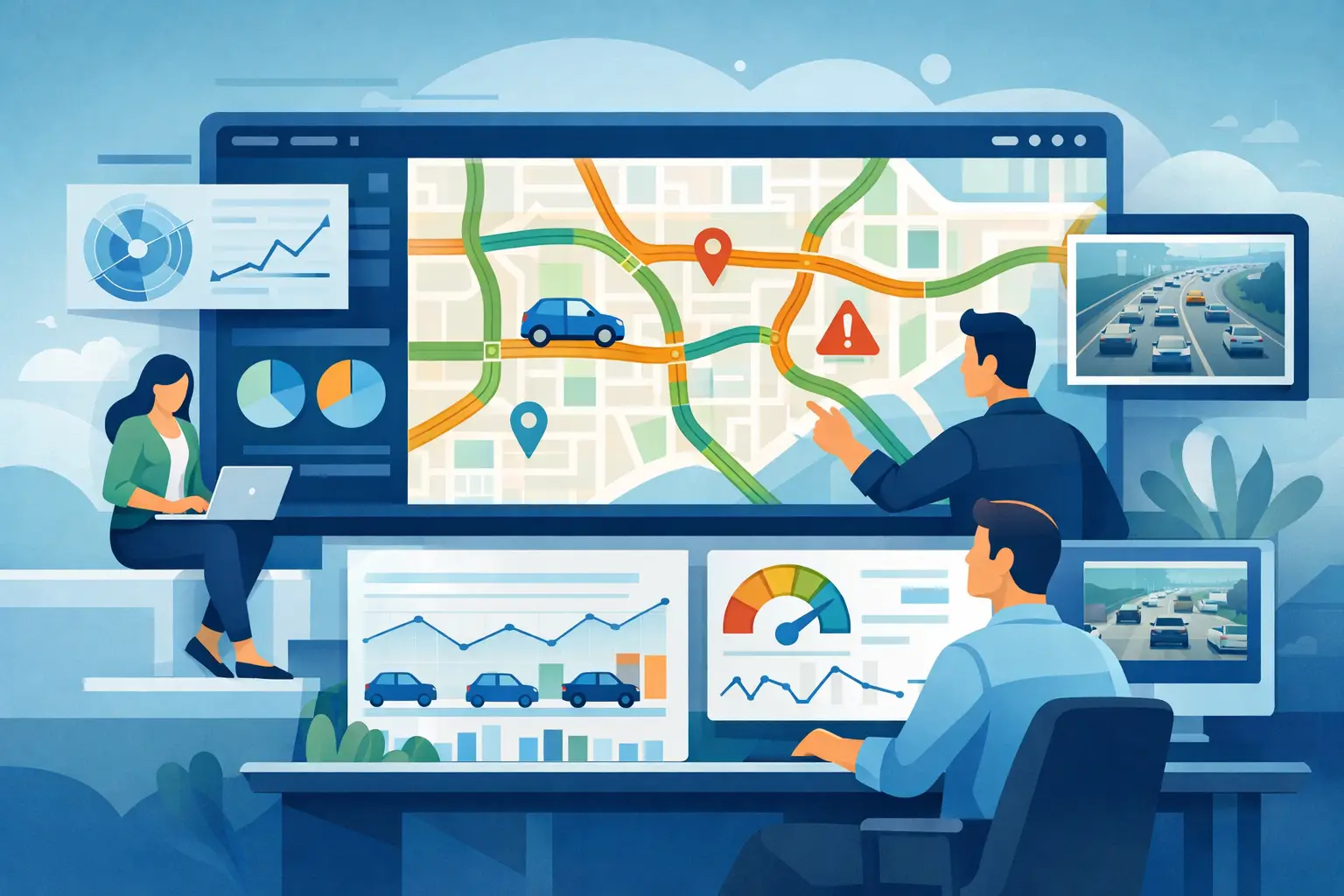
A real time traffic dashboard should show who’s active, where they came from, and what they do next - without adding privacy or setup headaches.
A spike in traffic sounds great until your team asks the same three questions at once: Where is it coming from, what are people doing, and is any of it turning into results? A real time traffic dashboard is supposed to answer those questions fast. If it only shows a visitor count ticking upward, it is giving you motion, not clarity.
For most small and mid-sized teams, speed matters less than usable visibility. You do not need a wall of charts built for an enterprise war room. You need a live view of what is happening on your site right now, which pages are pulling attention, which sources are sending qualified visitors, and where people are dropping off before they convert. That is what makes a dashboard useful.
What a real time traffic dashboard is actually for
At its best, a real time traffic dashboard helps you make decisions while a campaign, launch, email send, or social post is still active. You can spot whether traffic is arriving as expected, whether visitors are landing on the right page, and whether the next step in the journey is obvious enough to keep momentum going.
This matters most when timing is tight. If you are running paid traffic, publishing a time-sensitive article, launching a product update, or watching a promotion go live, delayed reporting creates a blind spot. By the time yesterday’s data lands, the budget may already be spent or the opportunity may be gone.
But live data has limits. Real-time monitoring is excellent for catching changes and validating that things are working. It is not always the best lens for trend analysis or long-term planning. A smart setup combines live visibility with historical reporting, so you can react in the moment and improve over time.
The metrics that deserve space on the dashboard
The first thing most people look for is active visitors. That is fine, but it should never be the whole story. Raw activity without context creates false confidence. Fifty visitors can be excellent or disappointing depending on source, behavior, and conversion intent.
A better dashboard starts with active visitors and pairs that with traffic source, landing page, device type, geography, and key events. If your dashboard shows that a surge is coming from an email campaign, landing on a specific page, and generating outbound clicks or form starts, you have immediate evidence that the campaign is pulling the right audience. If the same traffic lands and bounces, you know where to investigate.
Page-level activity matters just as much as top-level totals. You should be able to see which pages are active now, not just which pages were popular last week. This is often the fastest way to catch broken flows, sudden interest in a content topic, or an unexpected page drawing attention from a campaign.
Conversion signals should also be visible in the same view. That could mean goals completed, button clicks, checkout steps, outbound clicks, or form submissions. Without that layer, your live dashboard becomes a scoreboard for traffic volume instead of a tool for performance.
What most dashboards get wrong
Many analytics tools overload the live view with data points that look impressive but slow down decision-making. When every card competes for attention, the dashboard stops being operational. You should not need a training session to understand what is happening on your own site.
Another common problem is fragmentation. One tool shows traffic, another shows heatmaps, another shows replays, and another handles conversions. That setup creates lag between seeing an issue and understanding it. If a page is getting visits but not converting, you should be able to move from live traffic to click behavior to session evidence without switching mental context five times.
There is also the privacy problem. Some platforms collect more personal data than many teams are comfortable storing, especially if they serve privacy-conscious users or operate under GDPR, CCPA, or PECR expectations. A dashboard should give you behavioral insight without turning your analytics stack into a compliance risk.
A privacy-first real time traffic dashboard
Privacy changes how a real time traffic dashboard should be designed. The goal is still visibility, but not at the cost of exposing personal details or relying on invasive tracking practices.
That means anonymized visitor monitoring, limited collection of sensitive information, and automatic protection for private data fields. It also means giving teams clarity on what is being tracked and why. If your dashboard can show live behavior, conversions, and visitor paths while keeping tracking compliant and respectful, that is not a compromise. It is a better operating model.
For many businesses, this is now a practical requirement rather than a brand preference. Customers ask questions about data handling. Internal teams want fewer compliance surprises. Legal reviews slow down bloated analytics implementations. A simpler, privacy-conscious setup removes friction before it becomes a problem.
How teams actually use live traffic data
Marketers usually need live confirmation first. Did the campaign launch correctly? Are visitors hitting the intended landing page? Is paid traffic coming from the right source? A real time traffic dashboard answers those questions in minutes instead of after a reporting delay.
Founders and operators often use it differently. They want a pulse check on the business. Is the product announcement driving interest? Are people reaching pricing or signup pages? Is a content launch pulling the kind of audience the team expected? They are not looking for vanity metrics. They want immediate signals tied to outcomes.
Developers and product teams tend to use the dashboard as validation. When a new event, button, page flow, or integration goes live, real-time visibility helps confirm that tracking is firing correctly and user behavior looks normal. If something breaks, live analytics can reveal the issue before support tickets pile up.
Publishers and content teams can get value from live page activity too. If a story, guide, or newsletter mention starts sending traffic, they can watch where readers enter, what they click next, and whether that attention spreads deeper into the site.
The value of combining live data with behavior analytics
Live traffic alone answers what is happening. Behavior analytics answers why. That distinction matters when you are trying to improve conversion, not just monitor activity.
If a dashboard shows visitors arriving on a landing page but very few moving forward, heatmaps and session replay can provide the missing context. Maybe the primary call to action is too far down the page. Maybe mobile users are missing an important section. Maybe people click on something that looks interactive but is not.
This is why all-in-one analytics tends to be more useful than separate point tools for growing teams. You move faster when the same platform shows live traffic, visitor paths, click behavior, and conversion events together. Traffnalytics is built around that kind of visibility: easy to understand analytics, yet highly powerful, without forcing teams to trade usability for control.
What to look for before you choose a dashboard
The right dashboard should be easy to implement, easy to trust, and easy to act on. If setup is heavy, reporting is delayed, or the interface hides the answers you actually need, adoption will drop fast.
Look for a platform that lets non-technical users understand performance quickly while still giving technical teams room to customize tracking, use custom parameters, or access data through an API. That balance matters. Some businesses need a simple dashboard today and more flexibility later. Your analytics should support both.
You should also pay attention to exports and reporting options. Real-time visibility is valuable in the moment, but teams still need to share findings, compare performance over time, and keep stakeholders aligned. A dashboard that only works for the person staring at it live is too limited.
Finally, judge the product by the quality of decisions it helps you make. A dashboard is not there to impress. It is there to tell you whether traffic is qualified, behavior is healthy, and conversion paths are working.
A good real time traffic dashboard gives you control when timing matters. The best one gives you that control without complexity, guesswork, or privacy trade-offs. When your analytics are clear enough to trust at a glance, acting on them gets much easier.